


Instructions to Access 21 Restricted Funds in Banner

Aug 13, 2026
523

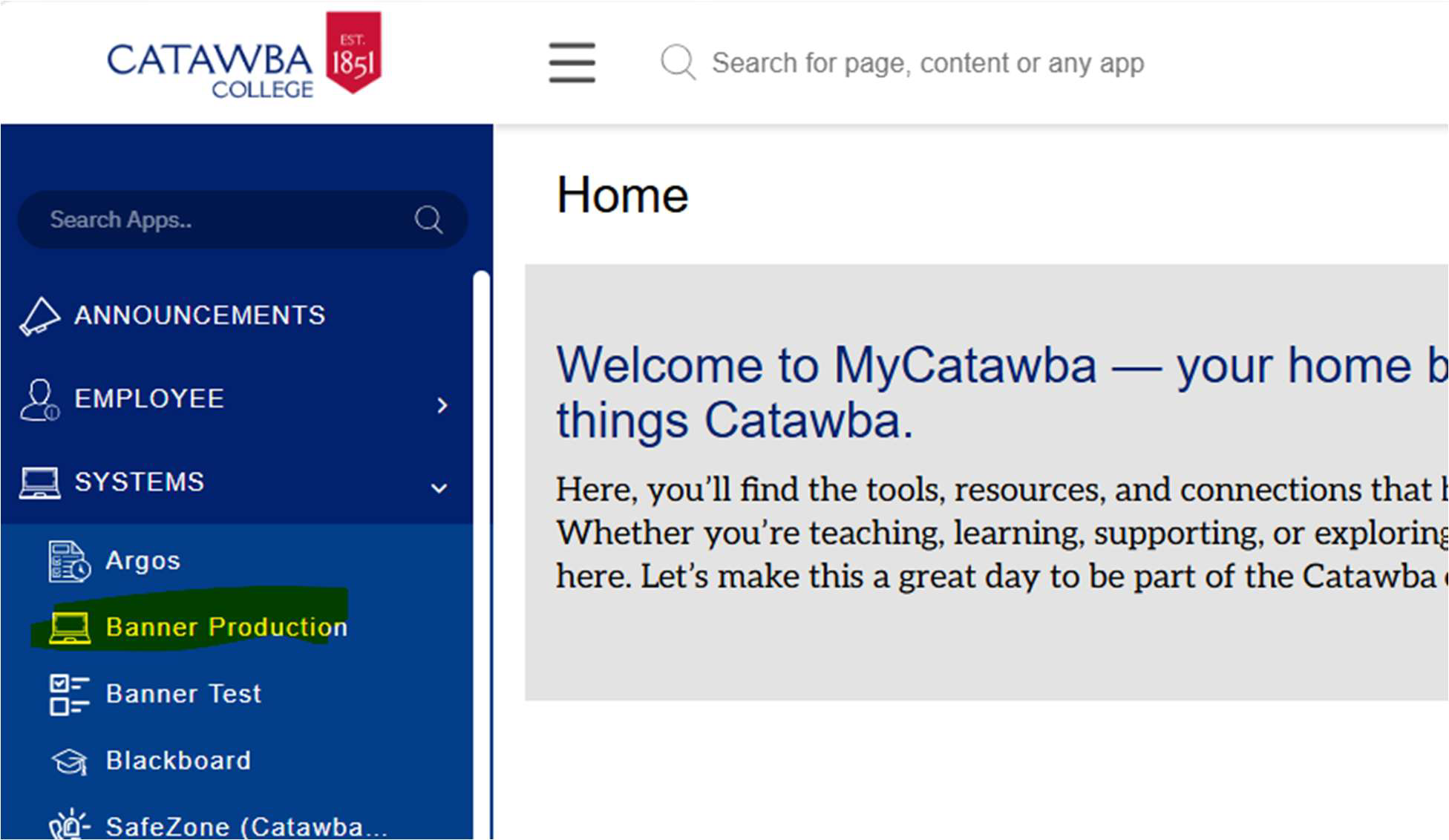
Go to Banner Production in MyCatawba
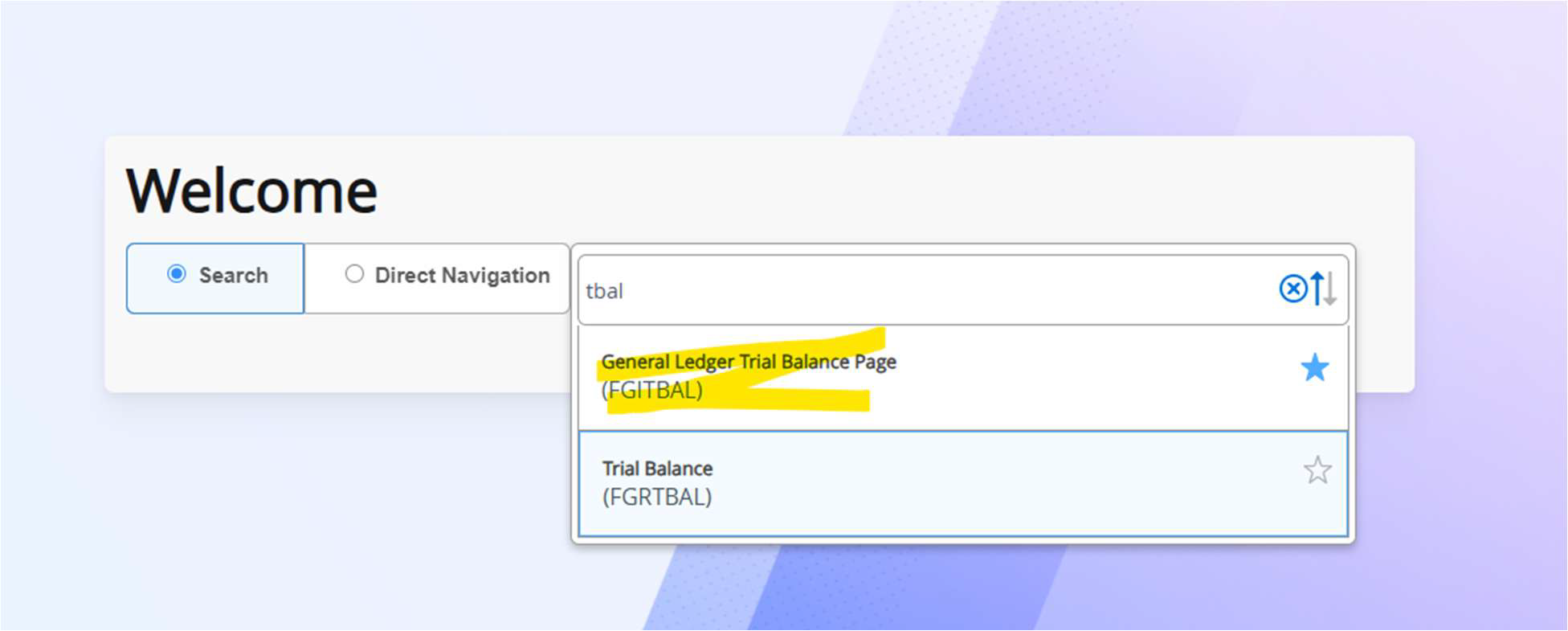
In Banner, search for FGITBAL
Type in the fund number and year -> search

You can at any point check your balance. What is in “claim on cash” is your balance.

Claim on cash = ending balance (should say debit)
Temporarily Restricted Fund Balance = beginning balance (should say credit)
Revenue control = money coming into fund (should say credit)
Expense control = money going out of fund (should say debit)
If you want to view the activity in one of the above lines. Select the line -> click
related -> click query general ledger activity info (FGIGLAC).


This will show the detailed activity for the year selected.

